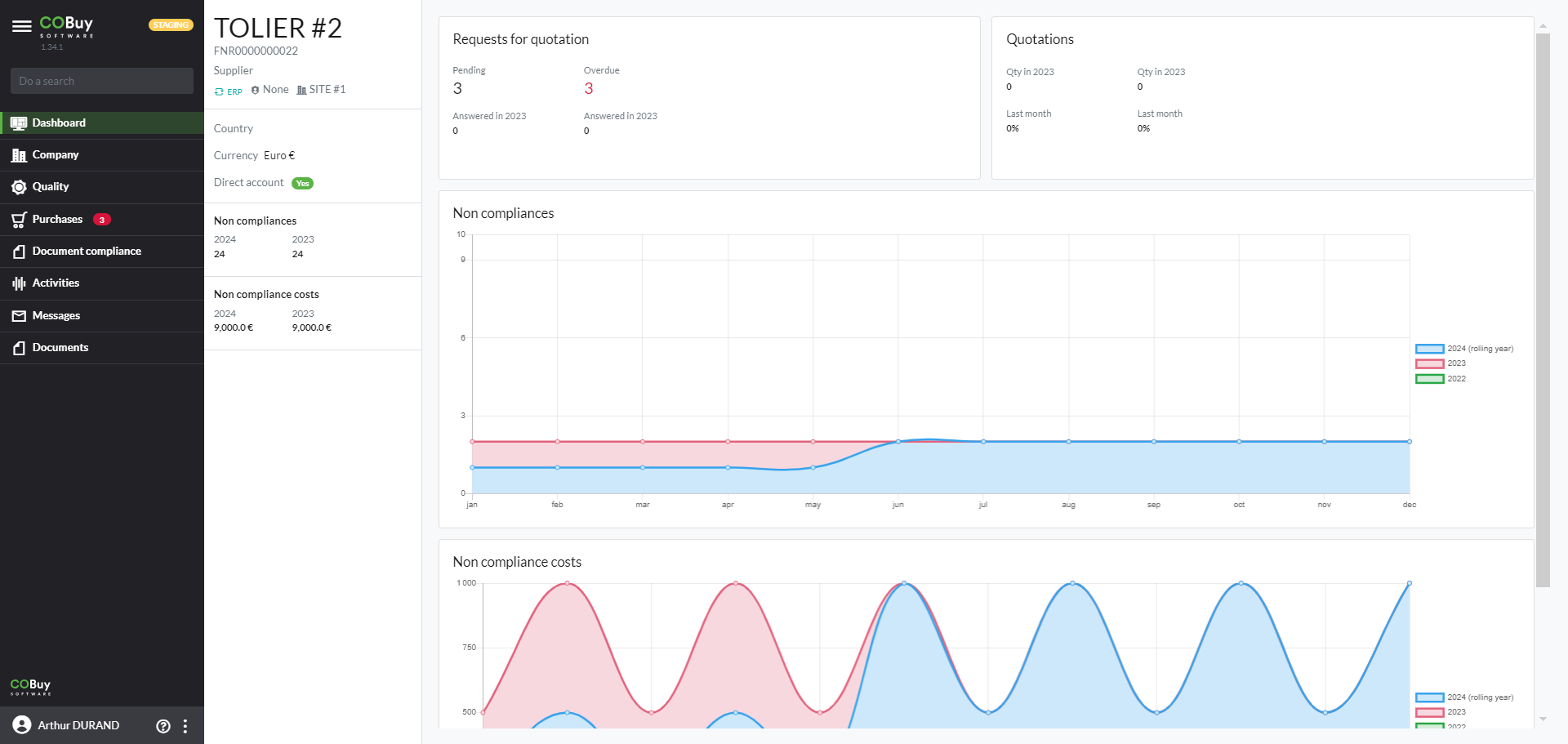
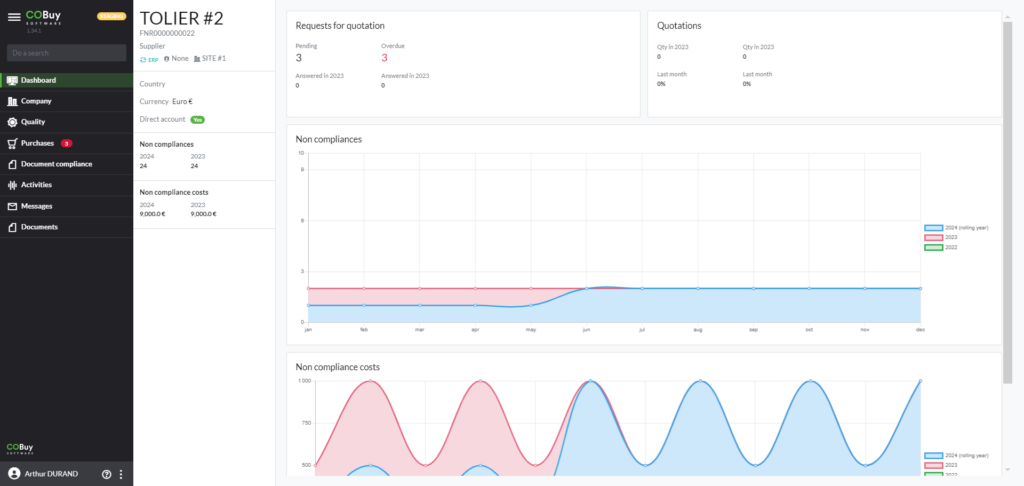
Unlike the URLs included in notification emails, the supplier portal gives you access, depending on your rights, to an overview of your activity with your customer. Access to the portal is through a link available in a URL entry screen or a link available directly in a notification email. In any event you must be granted access by the buyer, which will result in an email inviting you to create your password.
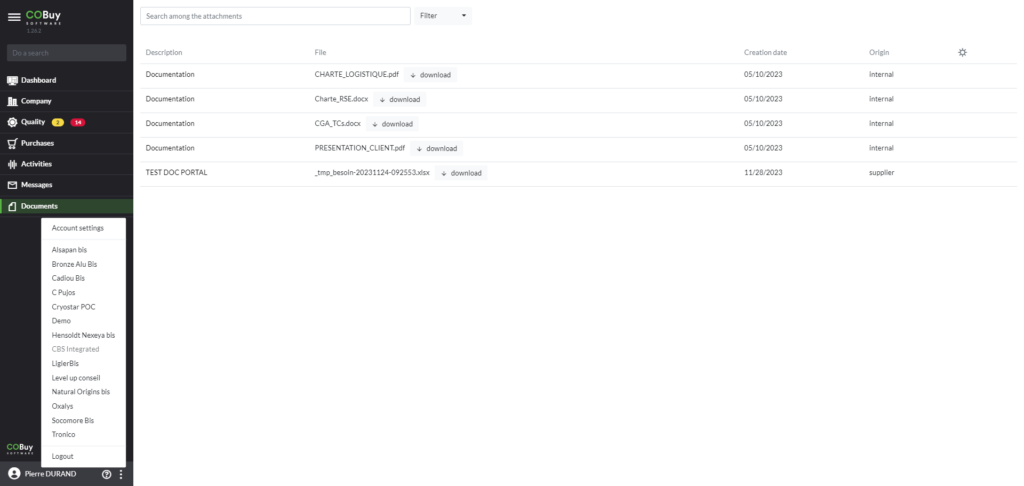
Information : if you are using the supplier portal for multiple customers you can toggle from one customer to another by clicking on the "bullet points" icon at the bottom left of the screen alongside your user name
COMPANY
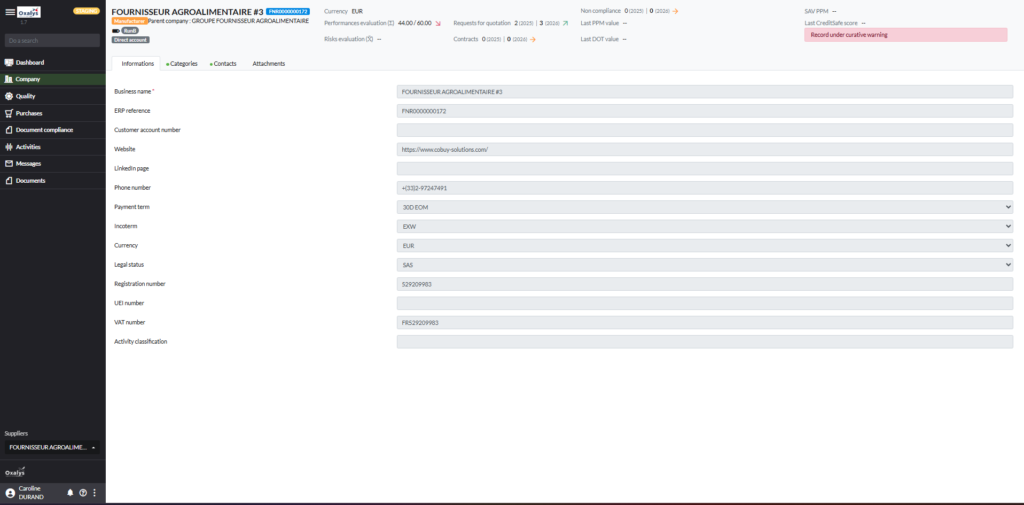
This section of the main menu provides access to the following tabs :
Categories > list of product or service categories for which your company is listed
Information > information sheet to be updated once a year
Contacts > list of contacts identified for your company
Attachments> list of documents shared with you by the buyer or that you share with the buyer
New: The Company record now includes a new “Information” tab that displays the key details from the supplier record.
QUALITY
This section of the main menu provides access to the following tabs :
Summary > indicators linked to the quality process
Accreditation> list of items for which your company is involved in an accreditation process (product/supplier pair listing)
Evaluations > list of evaluations which lets your client score your supplier account
Non-compliances > list of non-compliances
Non-compliance costs > list of non-compliance costs
Audits > list of audits
Informations :

to access the details of a record (e.g. non-compliance) click on the green button located completely to the right of the record line

preventive (upcoming deadline) and curative (past due date) alerts are marked by a “yellow” label and a “red” label respectively.

a "blue" label identifies new records in a list
PURCHASING
This section of the main menu provides access to the following tabs:
Summary > indicators related to the purchasing process
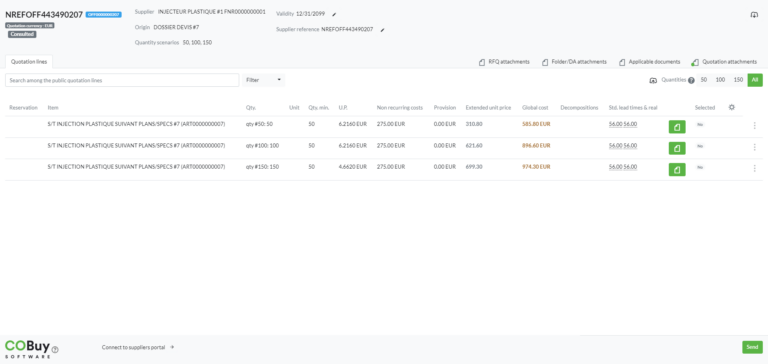
Request for Quotations & Bifs> list of RFQ submitted and offers
Contracts & Prices> list of contracts and prices concerning your supplier account
Forecast > list of purchases forecasts by item and date
Informations :

to access the details of a record (e.g. RFQ) click on the green button located completely to the right of the record line

preventive (upcoming deadline) and curative (past due date) alerts are marked by a “yellow” label and a “red” label respectively.

a "blue" label identifies new records in a list
ACTIVITIES
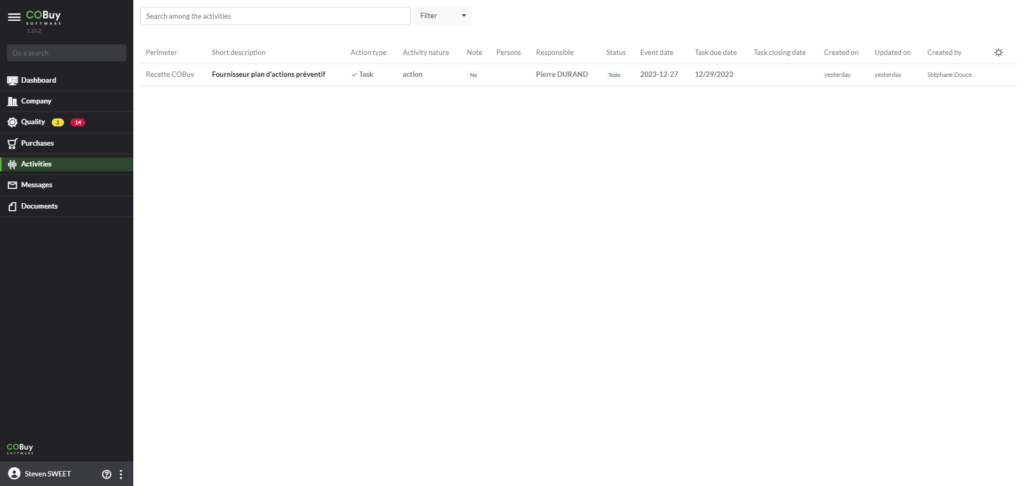
This section of the main menu gives you access to all the activities (events and tasks) that the buyer shares with you (appointments, action plans, etc.)
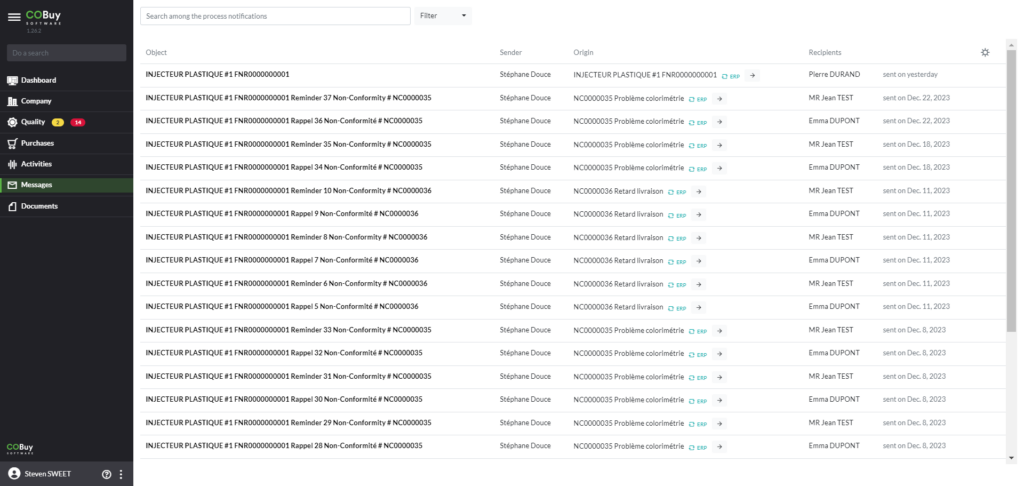
MESSAGES
This section of the main menu gives you access to all the messages that the buyer shares with you
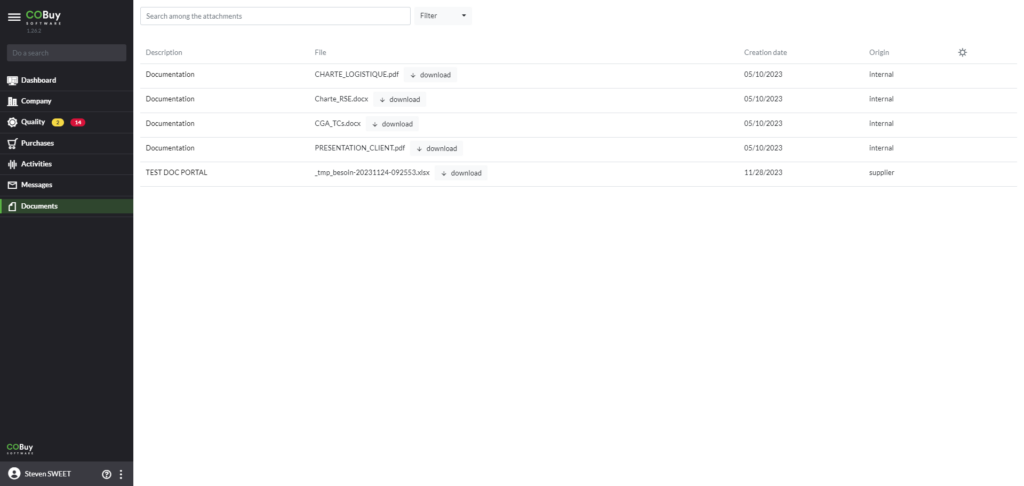
DOCUMENTS
This section of the main menu provides access to the documents that the buyer shares with you (T&C’s, CSR charter, communication, …)