
Supplier Portal – Overview
Unlike the URLs included in notification emails, the supplier portal gives you access, depending on your rights, to an overview of your activity with your customer. Access to the portal
Unlike the URLs included in notification emails, the supplier portal gives you access, depending on your rights, to an overview of your activity with your customer. Access to the portal

Some purchasing or quality processes require documents to be made available to the buyer on a regular basis (ISO certification, liability insurance certificate, technical data,
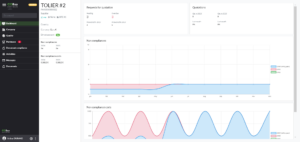
Unlike the URLs included in notification emails, the supplier portal gives you access, depending on your rights, to an overview of your activity with your
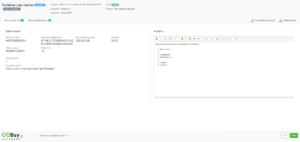
You have received an email from your client notifying you of non-compliance concerning your company. Clicking on the link included in the email will allow
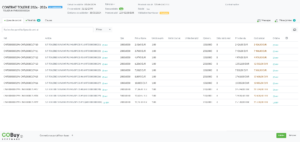
You have received an email from your customer notifying you of a contract to be validated. A click on the link included in the email
You have received an email from your customer notifying you of a RFQ concerning your company. Clicking on the link included in the email will