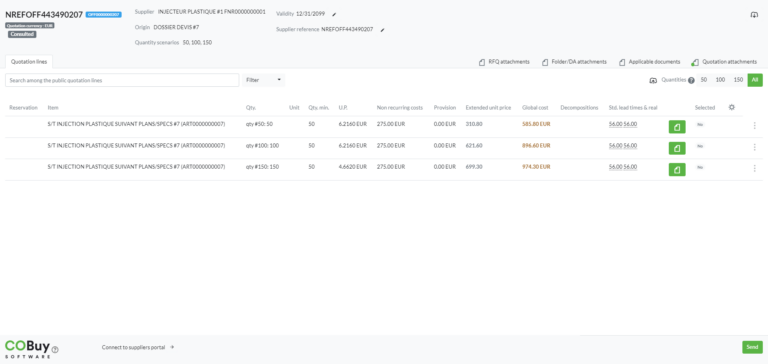
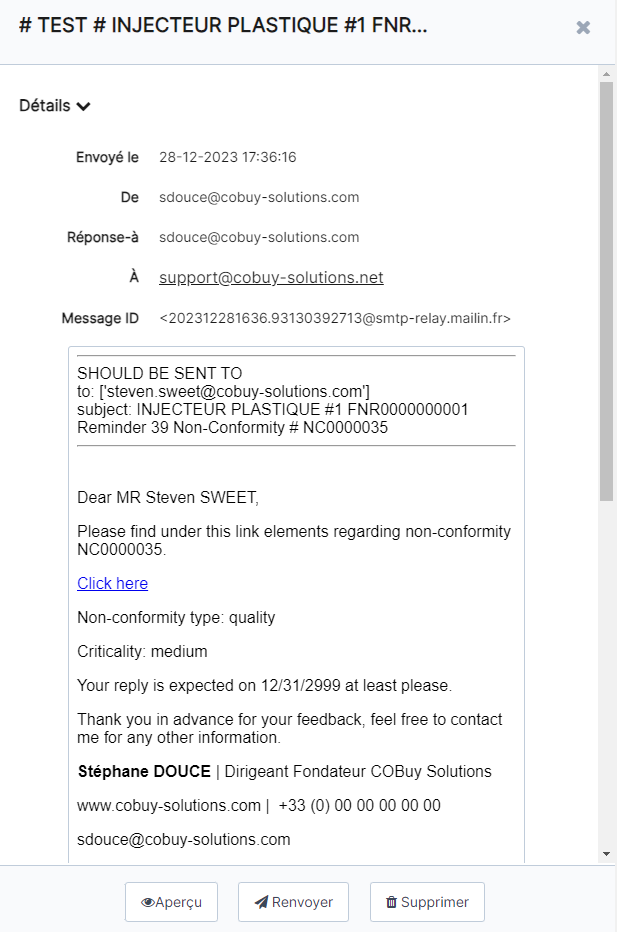
You have received an email from your client notifying you of non-compliance concerning your company. Clicking on the link included in the email will allow you to access the non-compliance form :
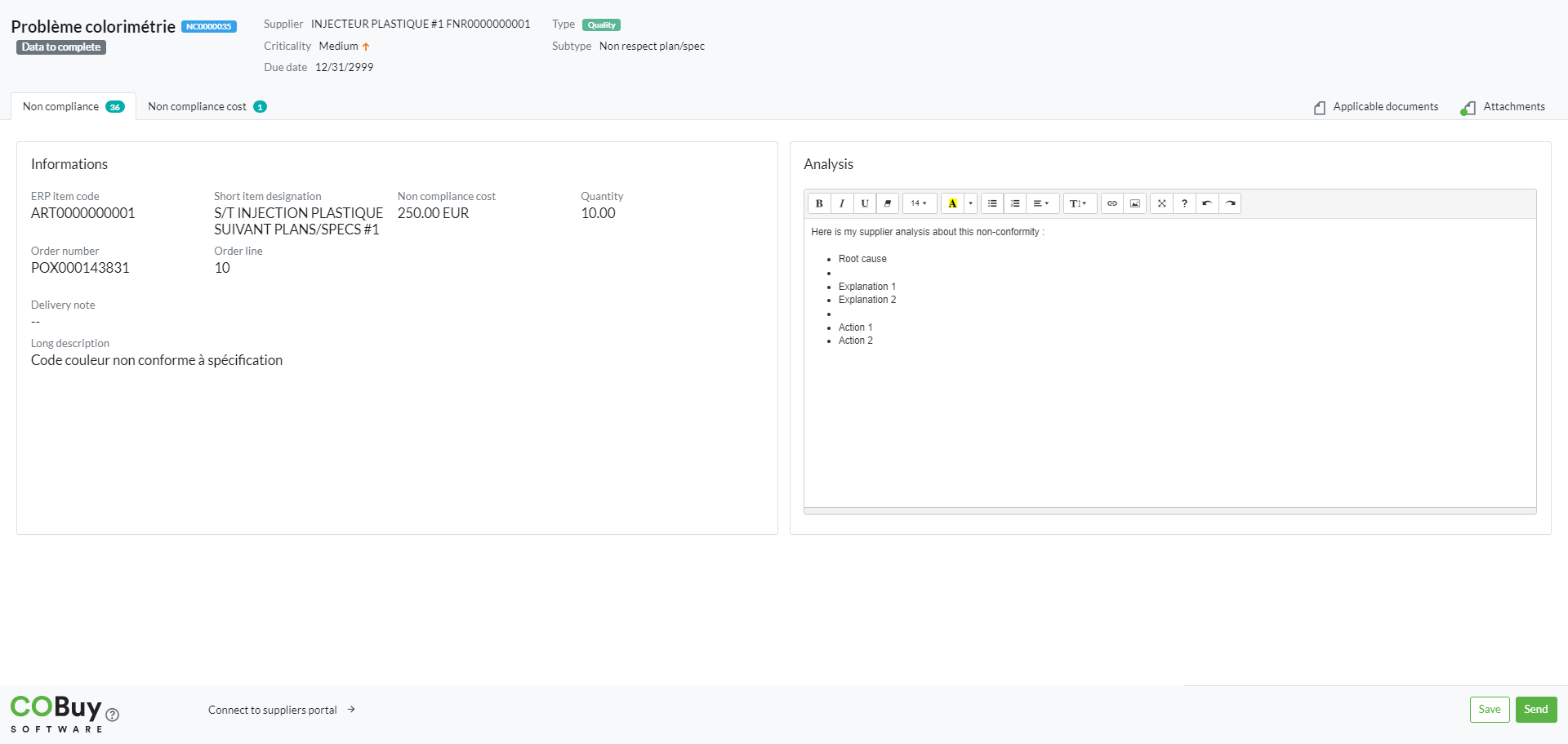
To respond to non-compliance you must enter information related to your analysis in the “Analysis” section of the form.
View the claimed non-compliance cost
To view the cost of non-compliance associated with the non-compliance, click on the “Cost of non-compliance” tab
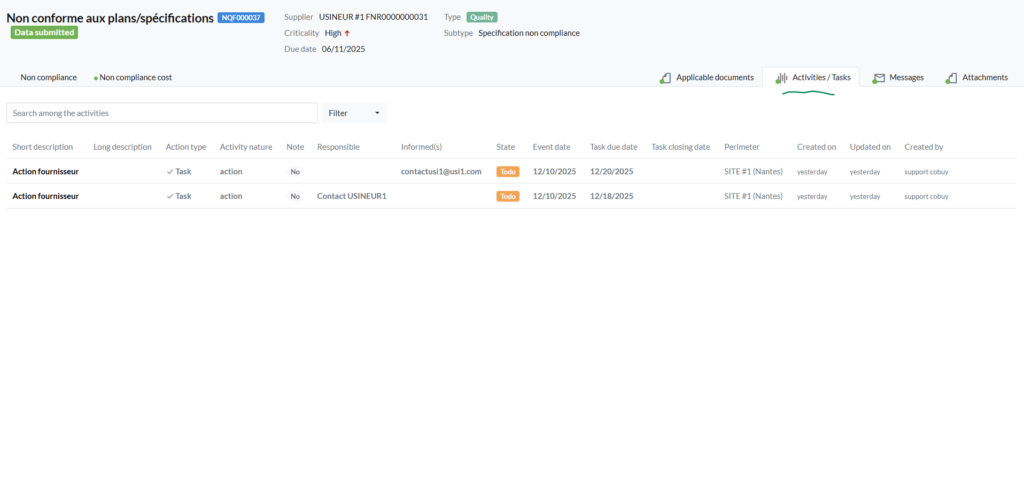
To review the tasks assigned to the non-conformity
If the issuer of the non-conformity has created tasks for which a contact within your organization is designated as responsible or informed, they are automatically shared in this dedicated tab.
Access and/or add attachments
Attachments shared by the buyer regarding the non-compliance are available from the “Attachments” tab. You can also add as many attachments as needed by clicking the “add” button. The “Applicable Documents” tab gives you access to generic documents (e.g. general conditions, CSR charter, etc.)
Save the form and send it
Once the form has been completed, you can click on the “Save” button either to resume the entry later or to send your elements to your client’s purchasing or quality employee by clicking on the “Send” button.